
Ever wish you had a personal assistant to handle all those small but time-consuming tasks? While a round-the-clock assistant might be a dream, there are some fantastic tools out there to help you simplify your life and boost productivity. Let’s dive into these essential productivity hacks that can help you make the most of your day and focus on what truly matters.
1. Speed up your process with an AI assistant
Courtesy of Chromebook
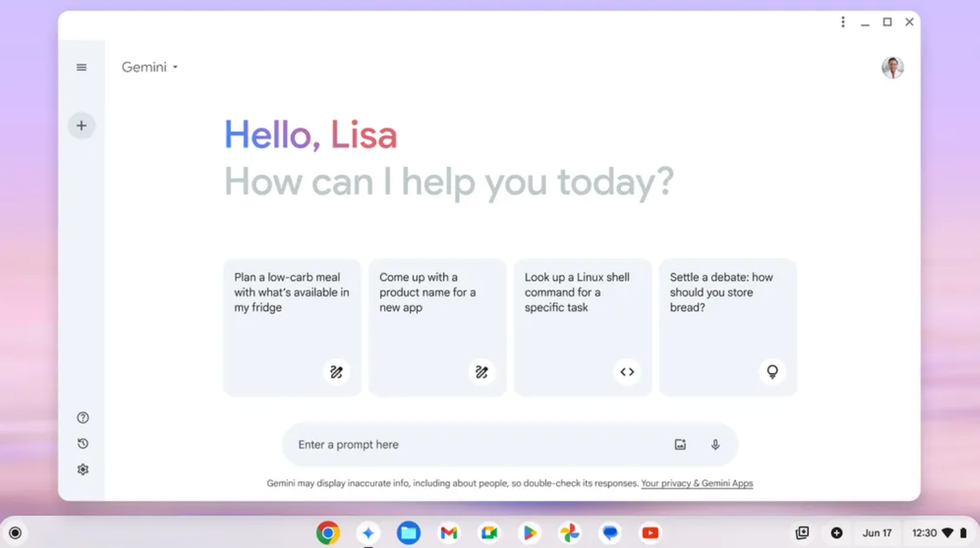
Say hello to 'Gemini', an AI assistant that will help you with even the most mundane tasks. Need help writing a cover letter or creating a content calendar? Gemini is on it! Pre-installed on the new Chromebook Plus, Gemini is ready to assist right from the home screen—making it easier than ever to stay productive and focused.
2. Write like a pro with just one click
Ever wished for an editor at your fingertips? ‘Help Me Write’ is here to generate text from prompts or refine what you’ve already written. Whether you’re crafting a catchy social media caption, filling out a job form, or writing a restaurant review, this tool on the Chromebook Plus feels like having your own personal editor only a mouse-click away.
3. Easily sync your Android device for maximum productivity
Courtesy of Chromebook
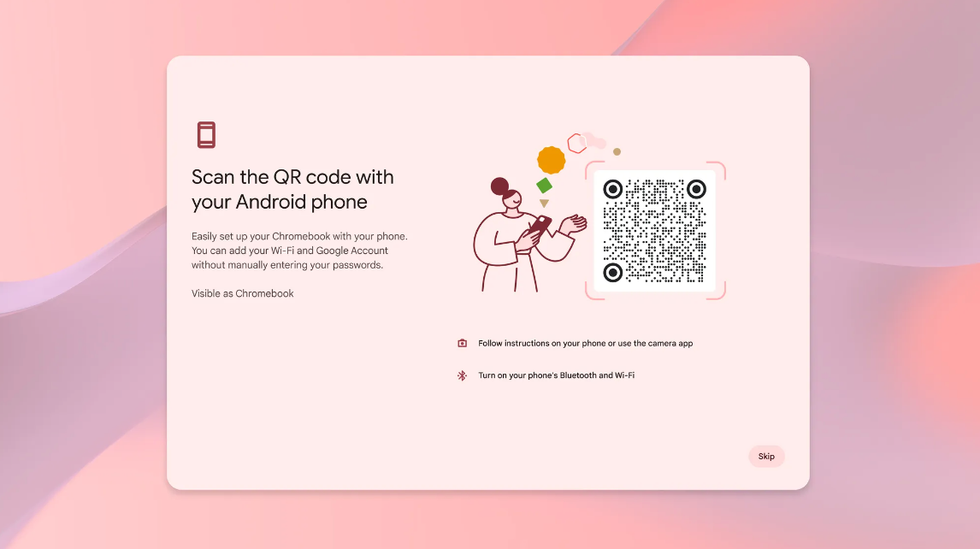
Keep your digital life in sync by connecting your Android device with a simple QR code. Seamlessly transfer your Wi-Fi password and Google account without the need to type in any passwords. Who has time to remember passwords anyway?
4. Create timeless moments with effortless photo editing
Photo editing can be overwhelming, but with ‘Magic Editor’ on Chromebook Plus, it becomes a breeze. Enhance images effortlessly, adjust lighting, edit objects, or reimagine entire scenes with just a few clicks. Your photos will look amazing, without the hassle!
5. Keep your daily tasks all in one place
Courtesy of Chromebook
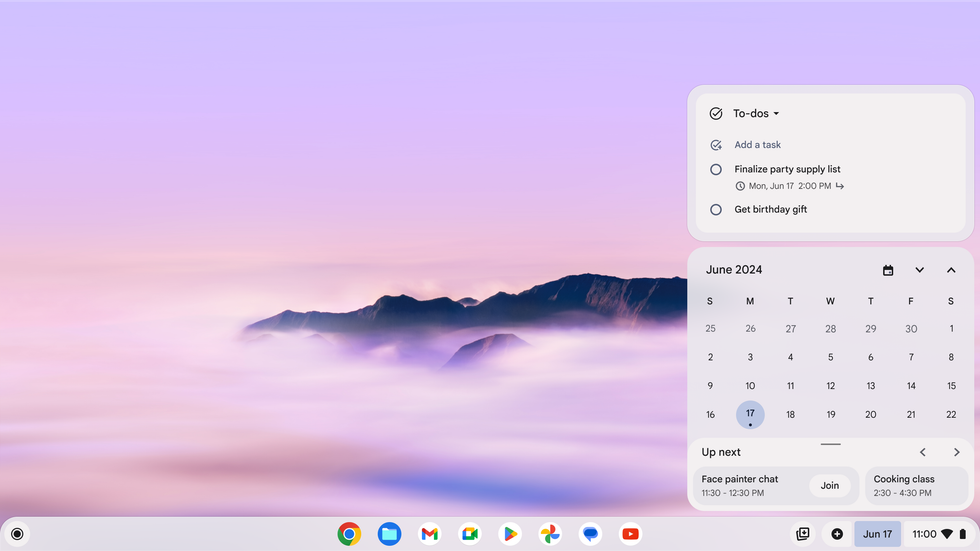
If you're juggling a million things at once, simplify your life by keeping everything in one place with Google Tasks. Seamlessly integrate your to-do list from your phone to your Chromebook, giving you easy access to your most important tasks no matter which screen you’re on.
With these incredible AI-powered features, the Google Chromebook Plus is set to become your ultimate sidekick for work and play. Whether it's streamlining your workflow, unleashing your creativity, or simply staying organized, the Chromebook Plus is designed to make your life easier and more enjoyable than ever.